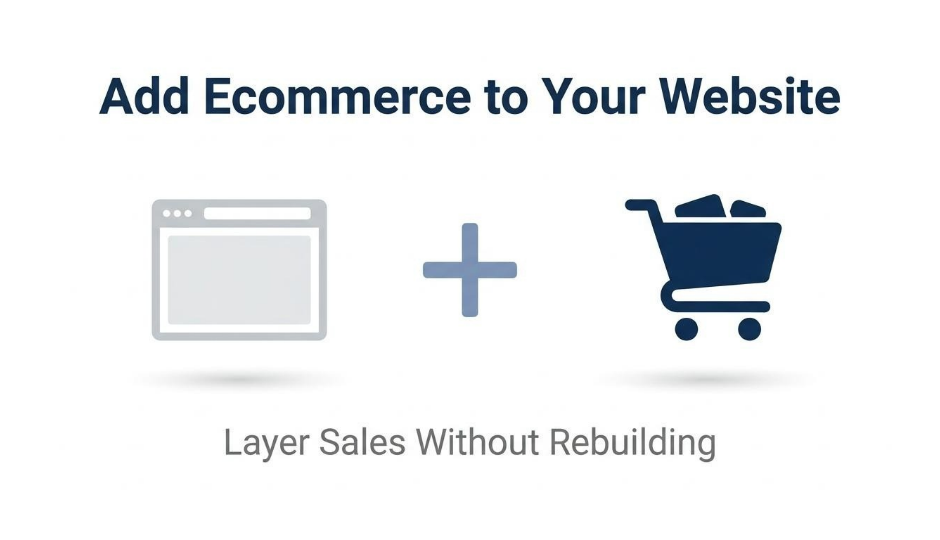
Adding ecommerce to your website means integrating software that enables your existing site to list products, accept payments, and fulfill orders online without rebuilding from scratch. The right solution preserves your domain authority, brand presence, and organic traffic while layering in full transactional capability.
This guide covers the main types of ecommerce software, how to choose the right solution for your site, essential commerce features, platform-specific integration steps, and long-term scaling considerations.
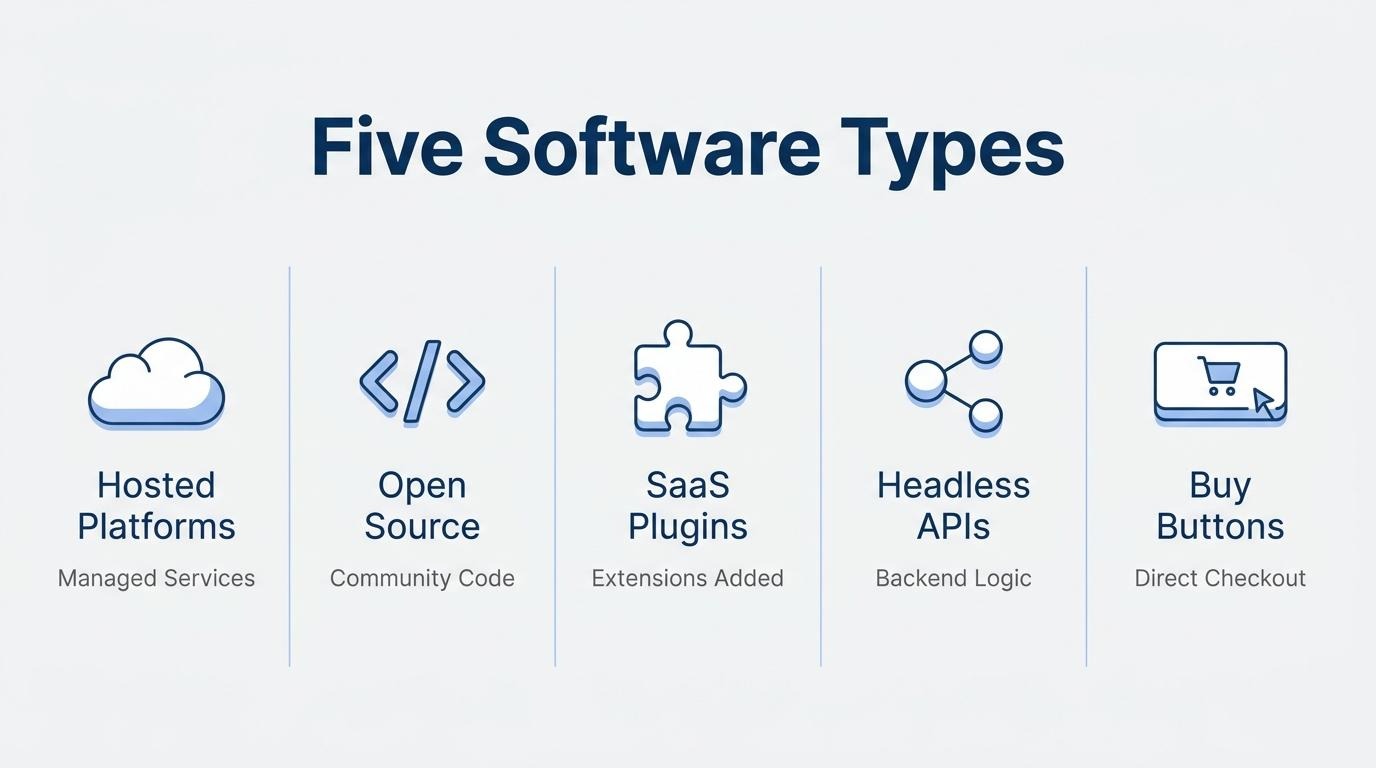
Ecommerce software spans five distinct categories: hosted platforms, open-source tools, SaaS plugins, headless commerce APIs, and embeddable buy buttons. Each fits different technical requirements and business stages, from lightweight checkout widgets on static HTML pages to full commerce stacks with inventory and order management built in.
Choosing the right option depends on your current CMS, the depth of features you need, your budget for platform fees and third-party apps, and your team's technical capacity. A WordPress site pairs naturally with WooCommerce, while a custom-built HTML site may need a headless API or cart widget. Hosted builders like Wix and Squarespace offer native commerce tiers that activate without code.
Every ecommerce solution should include product catalog management, PCI-compliant payment processing, shipping and tax automation, customer accounts, and built-in marketing tools. Missing any of these forces merchants into fragmented app stacks that inflate costs and fragment customer data.
We also walk through the full integration sequence, from site preparation and software installation to product setup, checkout testing, and post-launch monitoring. Common pitfalls like neglecting mobile optimization, underestimating total cost of ownership, and skipping compliance requirements are covered alongside guidance on when a growing store should migrate to a dedicated commerce platform.
Adding ecommerce to an existing website means integrating software that enables your site to list products, accept payments, and fulfill orders online. The approach varies depending on your current platform, technical resources, and growth goals.
According to the International Trade Administration, U.S. Department of Commerce, an ecommerce platform is "a series of software technologies that are integrated into a business's website that allows a business to solicit products or services from their website to complete the online sales cycle." In practice, this integration can be as lightweight as embedding a buy button on a single page or as comprehensive as layering a full commerce stack, complete with inventory management, shipping automation, and customer accounts, onto a site originally built for content or lead generation.
The distinction matters because not every business needs to rebuild from scratch. A well-established blog, portfolio site, or informational hub already carries domain authority, brand recognition, and organic traffic. Ecommerce software preserves that foundation while adding transactional capability. The market context reinforces why this matters now: according to Q2 2026 data from the U.S. Census Bureau, ecommerce sales increased 12.2 percent year over year, accounting for 17.1 percent of total retail sales.
For most site owners, the real decision is not whether to sell online but how deeply to integrate commerce into an existing digital presence. The sections ahead break down the main software categories, selection criteria, essential features, and platform-specific integration steps to guide that decision.
The main types of ecommerce software solutions are hosted platforms, open-source platforms, SaaS plugins and add-ons, headless commerce APIs, and shopping cart widgets with embeddable buy buttons. Each type fits different technical requirements and business stages.
Hosted ecommerce platforms are fully managed services that bundle web hosting, security, payment processing, and storefront design into a single subscription. The vendor handles server maintenance, software updates, and PCI compliance, so merchants focus on selling rather than infrastructure.
Pricing typically starts around $29 per month for entry-level plans and scales to $299 or more for advanced tiers. According to BigCommerce's published pricing, plans range from $29 (Core) to $1,499+ per month (Performance), with additional fees for orders processed through open payment providers.
These platforms suit businesses that want a turnkey solution without managing hosting or code. The tradeoff is less control over backend customization compared to self-hosted alternatives.
Open-source ecommerce platforms are self-hosted solutions where the source code is freely available for download and modification. Merchants install, configure, and maintain the software on their own servers or cloud infrastructure.
According to OpenCart's documentation, open-source platforms offer free downloads and updates with zero monthly platform fees. However, total cost of ownership includes hosting, SSL certificates, security patches, developer time, and extension purchases. WooCommerce, one of the most widely adopted options, powers 8.0% of all websites globally, per W3Techs survey data.
Open-source solutions provide maximum flexibility for custom workflows. That flexibility comes with responsibility; without a dedicated development resource, security vulnerabilities and performance issues can compound quickly.
SaaS ecommerce plugins and add-ons are software extensions that layer commerce functionality onto an existing website or content management system. WooCommerce for WordPress is the most prominent example, used by 47.8% of all ecommerce systems tracked by W3Techs.
These tools add product catalogs, shopping carts, and checkout flows without replacing the underlying site. The U.S. Commercial Service notes that many online vendors now offer apps for a seamless look and feel on existing stores, often including shipping, payment, and multilingual support.
For brands already invested in a CMS, plugins offer the fastest path to selling online. The limitation surfaces at scale, when stacking five to fifteen separate tools for subscriptions, CRM, and marketing creates data fragmentation and rising costs.
Headless commerce APIs decouple the frontend presentation layer from backend commerce logic, connecting the two through application programming interfaces. As MDN Web Docs explains, APIs allow developers to create complex functionality more easily by abstracting server-side code into simpler syntax.
Platforms like Medusa ship commerce modules for inventory tracking, cart calculations, payment acceptance, and order management, all accessible via API. Crystallize operates as a fully native headless service where every feature is exposed through public APIs.
This architecture pairs well with Jamstack sites, where pages are pre-built by a static site generator and deployed from a CDN, while server-side functionality is added back through APIs. Headless commerce rewards teams with strong development resources but demands more upfront engineering than hosted or plugin-based alternatives.
Shopping cart widgets and embeddable buy buttons are lightweight commerce components that add purchasing capability to any webpage. These tools use iframes or JavaScript snippets to inject product listings, cart functionality, and checkout forms directly into static sites, blogs, or landing pages.
Per the WHATWG HTML Living Standard, the iframe element allows a page to embed navigable content from an external source, which is the technical foundation most buy-button widgets rely on.
This approach requires the least integration effort of any ecommerce solution. It works well for businesses selling a small number of products from an informational site. However, widgets offer limited control over customer experience, inventory management, and post-purchase workflows.
Choosing between these solution types depends on your current tech stack, team capacity, and growth trajectory.
You choose the right ecommerce software by evaluating your current CMS, required feature depth, data unification needs, total budget, and team skill level. The following subsections break down each factor.
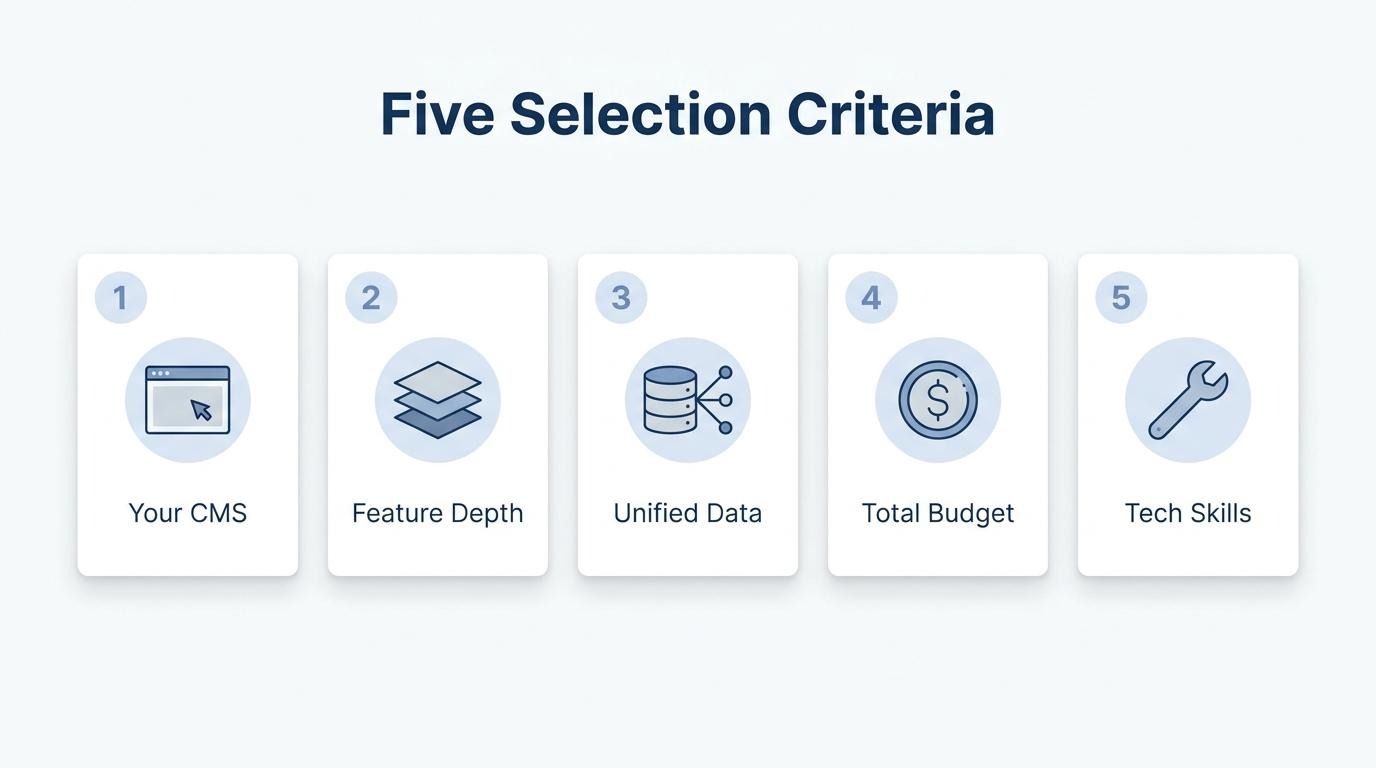
The CMS or website builder you are currently using determines which ecommerce solutions are compatible. WordPress sites can install WooCommerce directly. According to W3Techs, WooCommerce powers 47.8% of all known ecommerce systems. Wix and Squarespace offer native commerce tiers that activate without third-party code. Static HTML or Jamstack sites require a headless commerce API or embeddable widget to add storefront functionality. Identifying your CMS first eliminates incompatible options and narrows the shortlist to solutions that integrate cleanly with your existing architecture.
A simple storefront handles product listings, a cart, and checkout. A full commerce stack adds inventory management, order management, CRM, accounting with shipping, product management, search capabilities, and more. The International Trade Administration notes that the majority of ecommerce platform vendors now integrate all of this business functionality into one platform. If you sell fewer than 50 SKUs with no subscriptions, a lightweight plugin or buy button may suffice. Brands managing hundreds of products across multiple channels typically need an all-in-one system that consolidates these capabilities without bolting on separate apps.
Unified customer data across channels is important because it connects online purchases, in-store transactions, and marketing interactions to a single customer record. Without unification, teams rely on disconnected tools that create fragmented reporting and inconsistent customer experiences. Brands selling through both ecommerce storefronts and physical POS terminals should prioritize platforms with a shared data layer rather than reconciling exports from separate systems. For most scaling DTC brands, treating customer data as a core selection criterion, not an afterthought, prevents expensive replatforming later.
Your budget for ecommerce software and apps should account for platform fees, transaction fees, and the cost of every third-party app you add. Hosted platform plans typically start around $29 per month and scale to $299 or higher for advanced tiers. Open-source options like WooCommerce charge no platform fee, though hosting, security, and premium extensions add up. The real cost trap is tool sprawl: stacking five to fifteen paid apps for email, subscriptions, loyalty, and analytics can quietly double or triple the base platform expense. Always calculate total cost of ownership, not just the subscription price.
The technical expertise your team has directly shapes which ecommerce software is viable. Hosted SaaS platforms require minimal coding knowledge; most configuration happens through visual editors and dashboards. Open-source platforms like WooCommerce or OpenCart demand comfort with server management, plugin updates, and security patching. Headless commerce APIs assume developers who can build custom frontends and manage API integrations. Choosing software that exceeds your team's skill level leads to slow launches, dependency on outside developers, and higher long-term maintenance costs.
With selection criteria defined, the next step is evaluating which core features your ecommerce software must include.
Ecommerce software should include product catalog management, payment processing, shipping automation, customer accounts, order tracking, and built-in marketing tools. The sections below break down each feature category.
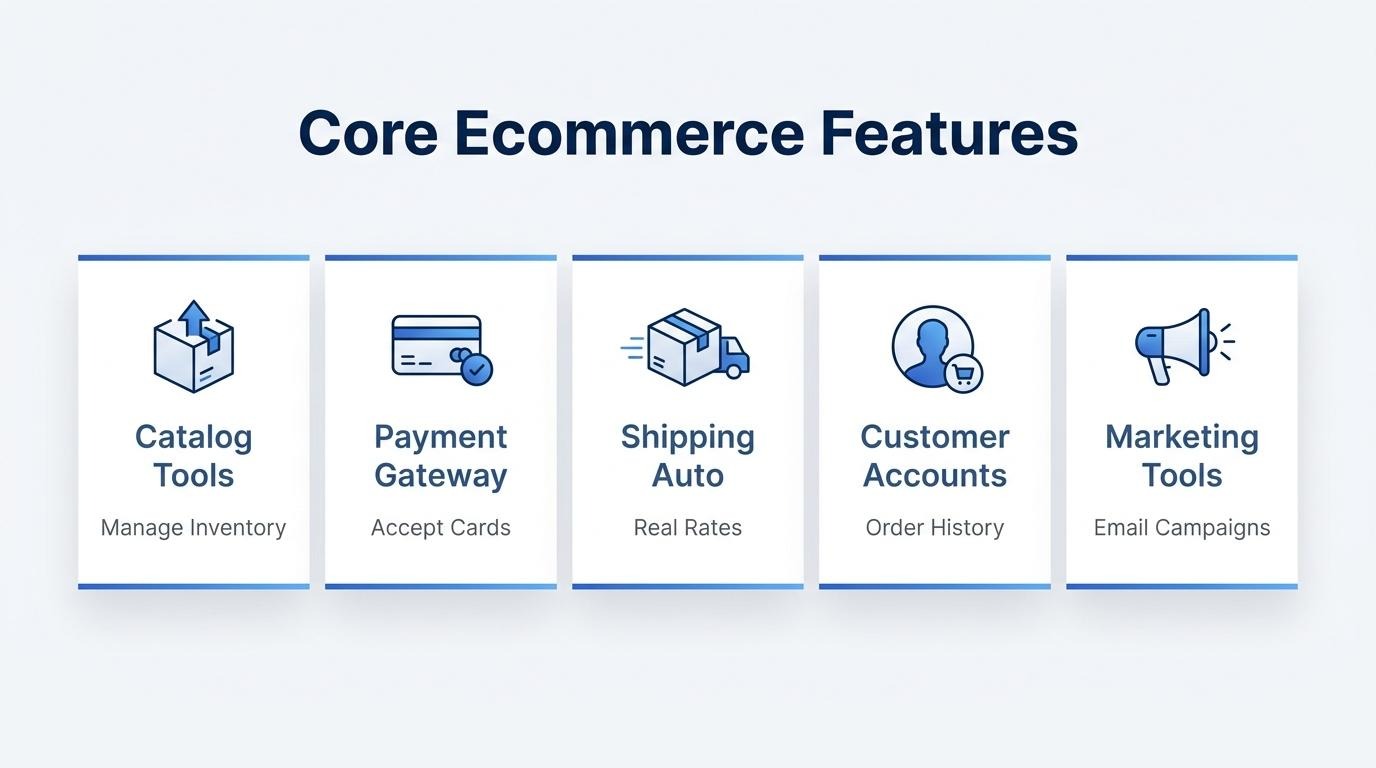
The product catalog and inventory tools you need are centralized systems that let you create, organize, and track every item you sell. A strong catalog supports multiple product types, such as physical goods, digital downloads, and service bookings.
Essential catalog and inventory capabilities include:
Without real-time inventory accuracy, overselling becomes a recurring problem that erodes customer trust.
The payment gateway options ecommerce software should support include credit and debit cards, digital wallets, and buy-now-pay-later services. According to the PCI Security Standards Council, PCI DSS defines the security requirements to protect environments where payment account data is stored, processed, or transmitted.
Key payment capabilities to evaluate:
Prioritizing gateway breadth matters because limited payment options are one of the fastest ways to lose a sale at the final step.
The shipping and tax automation capabilities that matter most are real-time carrier rate calculations, automated sales tax collection, and label generation from within the order dashboard. The USPS Developer Portal, for example, enables software developers to integrate Postal Service functionality directly into ecommerce and logistics systems.
Core automation features to look for:
Manual tax and shipping calculations introduce errors that compound quickly at scale, making automation a non-negotiable feature rather than a convenience.
The customer account and order management features that help are self-service portals, order history dashboards, and centralized CRM data. These tools reduce support volume while giving buyers control over their purchases.
According to the International Trade Administration, the software a business needs for its ecommerce platform includes shopping cart, inventory management, order management, search capabilities, and CRM, with the majority of vendors integrating all of this into one platform.
Essential account and order management features include:
The built-in marketing and SEO tools you should expect are email campaign management, discount and coupon engines, meta tag editing, and sitemap generation. According to the Federal Trade Commission's CAN-SPAM compliance guide, marketing emails must include a clear opt-out explanation for recipients.
Standard marketing and SEO features include:
Platforms that treat marketing as an afterthought force merchants into third-party app stacks, which fragments data and inflates monthly costs. With these core features covered, the next step is understanding how specific platforms handle integration with your existing website.
You add ecommerce to a WordPress website by installing a commerce plugin that layers product listings, a shopping cart, and checkout directly onto your existing site. WooCommerce is the most common path, though headless APIs and embeddable buy buttons offer alternatives.
WooCommerce is the open-source ecommerce platform built specifically for WordPress. According to W3Techs, WooCommerce powers 47.8% of all ecommerce systems surveyed and runs on 8.0% of all websites globally. The plugin is free to install from the WordPress plugin directory; you pay only for optional extensions, hosting, and payment processing.
Adding it follows a straightforward sequence:
Because WooCommerce is open-source, the total cost of ownership depends heavily on which extensions you add. Payment gateways, shipping calculators, subscription tools, and security plugins each carry separate fees. Hosting quality also matters; shared hosting may suffice for a small catalog, but stores processing hundreds of orders per month typically need managed WordPress hosting with server-level caching and a CDN.
One common pitfall with the plugin approach is tool sprawl. As the store grows, merchants often stack separate plugins for email marketing, subscriptions, loyalty, and CRM, each storing customer data independently. That fragmentation creates operational drag once order volume scales past initial thresholds. For brands reaching that inflection point, evaluating whether a consolidated platform better fits long-term needs can save significant rework later.
Beyond WooCommerce, WordPress sites can also integrate commerce through headless APIs or embeddable cart widgets that inject checkout functionality without replacing the CMS. These options suit content-heavy sites that need only a lightweight storefront alongside editorial pages.
With WordPress commerce in place, similar integration principles apply to other website builders.
You add ecommerce to a Wix or Squarespace website by upgrading to a commerce-enabled plan or connecting a third-party shopping tool. Each builder handles selling differently, with distinct pricing tiers, feature ceilings, and integration paths.
Wix offers ecommerce through its Business and Business Elite plans. The Business plan starts at $39.77 per month and includes online payments, abandoned cart recovery, and basic selling tools. Business Elite, at $159.77 per month, adds advanced shipping, loyalty programs, and automated sales tax. All Wix plans include hosting, a custom domain, and 24/7 support. However, Wix locks commerce features behind these higher tiers; the Core plan at $29.77 per month does not support online transactions.
Squarespace bundles commerce into its Business plan and above, with dedicated Commerce Basic and Commerce Advanced tiers that remove transaction fees and unlock features like abandoned checkout recovery, product reviews, and subscription selling. Both builders use drag-and-drop editors, so adding product pages, cart functionality, and checkout flows requires no coding.
Despite this convenience, there are practical limitations to consider:
For brands selling fewer than 50 products with simple fulfillment needs, these website builders work well as a starting point. When catalog complexity grows or when customer data needs to flow between storefront, email marketing, and point of sale, the closed ecosystems of Wix and Squarespace often create friction. At that stage, migrating to a platform built around commerce operations becomes the more sustainable path.
Understanding builder-based ecommerce constraints helps clarify when a custom HTML approach might offer more flexibility.
You add ecommerce to a custom-built HTML website by integrating commerce functionality through JavaScript embeds, headless commerce APIs, or iframe-based shopping cart widgets. Each method preserves your existing static HTML design while layering in product listings, cart logic, and checkout.
Headless commerce APIs connect a custom HTML website to backend commerce services through JavaScript calls. According to Jamstack.org, Jamstack is an architectural approach that decouples the web experience layer from data and business logic, improving flexibility, scalability, performance, and maintainability. APIs from providers like Commerce.js, Medusa, or Crystallize expose product catalogs, cart calculations, and payment processing as endpoints your front-end code consumes directly. This approach suits teams with development resources who want full design control without rebuilding the site.
Embeddable buy buttons and cart widgets add ecommerce to a custom HTML site without requiring API integration or backend development. As defined by the WHATWG HTML Living Standard, the iframe element represents navigable content; its src attribute gives the URL of a page the element is to contain. Widget-based solutions use this principle to inject product cards, add-to-cart buttons, and checkout flows into any static page using short code snippets. For sites with a small product catalog, this is often the fastest path to accepting orders.
A JAMstack approach makes sense when your custom HTML site needs commerce functionality alongside fast page loads and CDN-level performance. As Commerce Layer's documentation explains, a Jamstack site is pre-built by a static site generator, deployed as plain HTML, and served directly from a CDN; server-side functionality like checkout and personalization is added back through APIs. This architecture works well for brands that already maintain static HTML sites and want to introduce ecommerce incrementally, starting with a few products before scaling to a full catalog. For teams outgrowing piecemeal widget solutions, transitioning to a unified commerce platform can simplify operations considerably.
The steps to integrate ecommerce software follow a five-phase sequence: preparing your existing site, installing and configuring the platform, setting up products and pricing, testing checkout and payments, then launching and monitoring performance.
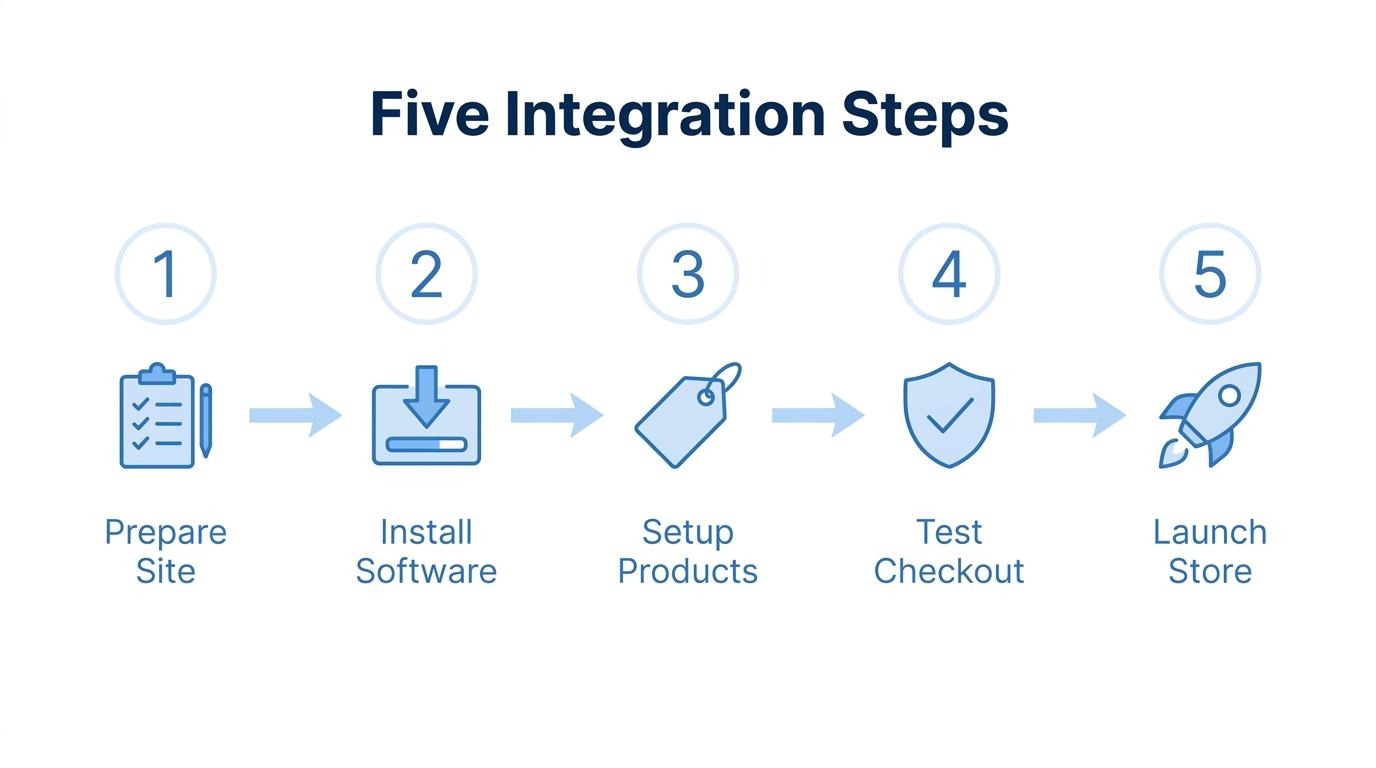
You prepare your existing site for ecommerce by auditing its technical foundation before adding any commerce layer. Start by confirming your hosting environment, CMS version, and SSL certificate are current and compatible with your chosen software.
Key preparation tasks include:
Skipping the audit phase is one of the most common causes of integration failures, particularly when outdated server configurations quietly break checkout flows.
You install and configure the ecommerce software by following the platform's setup workflow, which varies by solution type. Hosted platforms and SaaS plugins typically require connecting your domain and activating the commerce module through a dashboard. Open-source tools require uploading files to your server and running an installation script.
Core configuration steps include:
You set up products, pricing, and collections by creating catalog entries with structured data that helps both shoppers and search engines understand your inventory. Each product listing needs a title, description, images, price, SKU, and stock quantity at minimum.
Organize listings into logical collections or categories so visitors can browse intuitively. According to the International Trade Administration, the software a business needs for its ecommerce platform includes product management, inventory management, and search capabilities, among other integrated functions. Assign product variants for size, color, or material, and set pricing rules including sale prices, tiered discounts, or subscription options where applicable.
You test checkout and payment processing by running end-to-end transactions in a sandbox or test mode before accepting real orders. Most payment gateways provide test card numbers specifically for this purpose.
Essential checkout tests include:
With cart abandonment rates reaching as high as 69.89% according to research from Temple University's Fox School of Business, even small friction points in checkout can cost significant revenue. Treat testing as a revenue protection step, not just a technical checkbox.
You launch and monitor your new online store by switching from test mode to live payment processing and then tracking key performance indicators from day one. Remove any password protection or maintenance pages, submit your updated sitemap to Google Search Console, and announce the store through your existing marketing channels.
Critical metrics to monitor after launch include:
The first two weeks after launch reveal most integration issues, so daily monitoring during this window catches problems before they compound.
The common mistakes you should avoid when adding ecommerce include neglecting mobile optimization, ignoring checkout friction, skipping PCI compliance, underestimating total cost of ownership, and failing to unify customer data across channels.
From an operational standpoint, the most damaging mistake is treating ecommerce as a bolt-on feature rather than an integrated system. Brands that plan for data unification, compliance, and mobile performance from day one avoid costly re-platforming later. With security and compliance foundations established, the next step is understanding how to handle ecommerce security and PCI compliance in depth.
Ecommerce security and PCI compliance are handled by implementing data protection standards, encrypting transactions, and choosing software that manages compliance responsibilities on your behalf. The key areas include understanding PCI DSS requirements, using SSL/TLS encryption, and assigning compliance responsibilities correctly.
According to the PCI Security Standards Council, PCI DSS defines security requirements to protect environments where payment account data is stored, processed, or transmitted, providing a baseline of technical and operational requirements designed to protect payment account data. Every merchant that accepts credit cards online must comply with these standards, regardless of transaction volume.
The core security measures every ecommerce site needs include:
Hosted and SaaS ecommerce platforms typically handle the heaviest PCI compliance requirements at the infrastructure level. When your platform manages checkout servers, payment data transmission, and encryption, your own compliance scope narrows significantly. Self-hosted solutions, by contrast, place more of that responsibility on your team, requiring server hardening, vulnerability scanning, and potentially a Self-Assessment Questionnaire.
For most merchants adding ecommerce to an existing website, the simplest path to PCI compliance is using a platform or plugin that routes transactions through a PCI-compliant payment gateway without card data touching your own servers. This approach minimizes risk while keeping implementation straightforward. Skipping this step is one of the costliest oversights a growing store can make, since a single data breach often exceeds the operational cost of proper security infrastructure many times over.
With security protocols in place, the next consideration is knowing when your current setup has reached its limits.
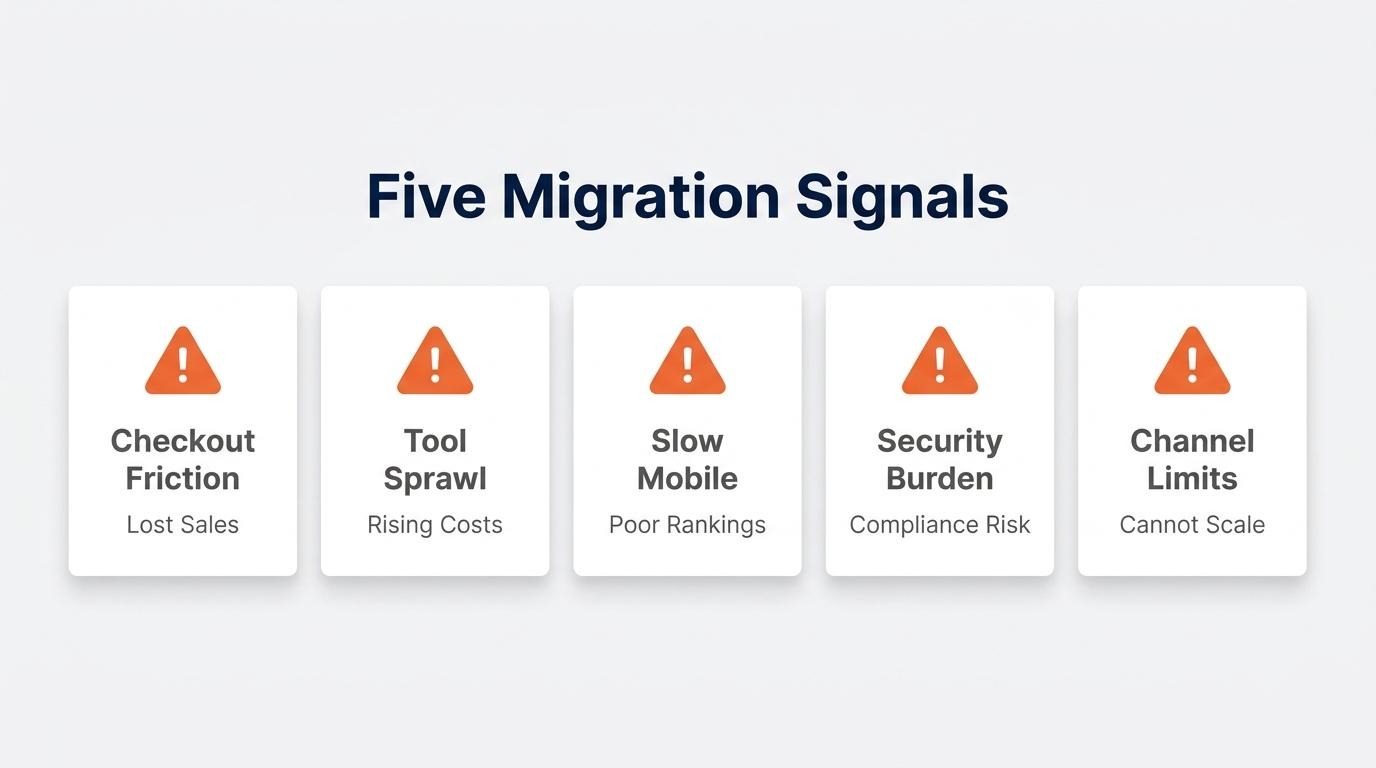
You should migrate to a dedicated ecommerce platform when plugins, add-ons, or embedded tools can no longer support your order volume, operational complexity, or growth trajectory. Several clear signals indicate the tipping point.
The following situations suggest migration is overdue:
For brands processing real volume at the $1M+ revenue mark, the cost of maintaining a fragmented stack often exceeds the cost of migrating to a purpose-built commerce system. The operational drag of reconciling data across disconnected tools is one of the most underestimated barriers to scaling. Moving to a dedicated platform is not just a technology decision; it is an operational one that determines how efficiently a brand can execute on retention, fulfillment, and growth.
Recognizing these migration triggers early prepares you for the next question: what happens when your entire tool stack outgrows plugins?
Your ecommerce tool stack outgrows plugins when app sprawl creates fragmented data, rising costs, and operational friction that individual add-ons can no longer solve. The sections below cover how an all-in-one platform approach consolidates commerce and CRM, followed by key takeaways for adding ecommerce software to your website.
SHOPLINE consolidates commerce and CRM without extra apps by running storefront operations, customer data, marketing automation, subscriptions, and POS inside a single system with a shared data layer. According to the International Trade Administration, the software a business needs for its ecommerce platform includes shopping cart, inventory management, product management, order management, search capabilities, and CRM, and the majority of vendors now integrate all of this into one platform.
Rather than layering separate tools for email, subscriptions, and point-of-sale, SHOPLINE keeps each function natively connected to one customer record. This eliminates the sync failures and reconciliation work that compound as order volume grows. For brands operating at scale, consolidation into fewer systems often reduces both total cost and the developer dependency required to maintain plugin integrations.
The key takeaways about adding ecommerce software to your website center on matching your platform choice to your current site, growth trajectory, and operational complexity.
Choosing the right ecommerce software is less about finding the cheapest option and more about building a foundation that will not require a costly re-platform as your business grows.