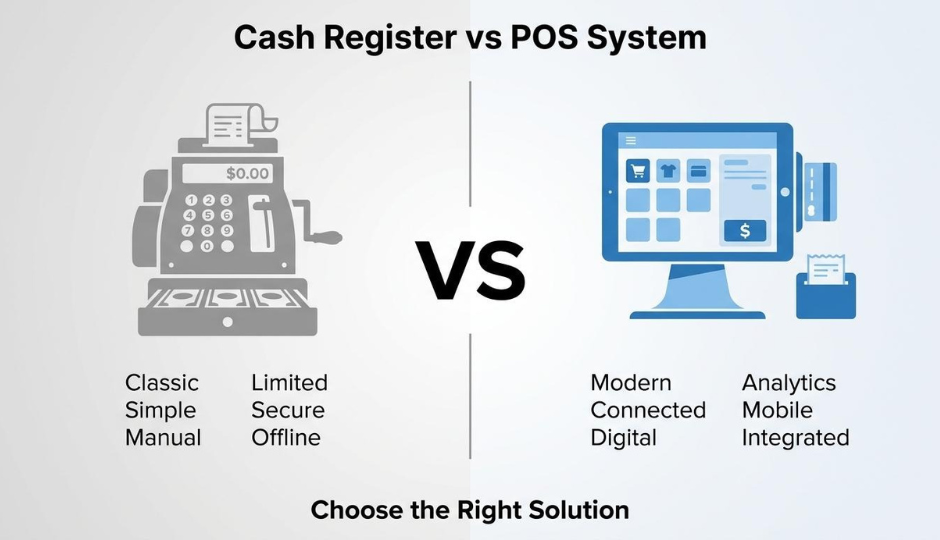
Choosing between a cash register and a POS system depends on your store's transaction volume, inventory complexity, and growth trajectory. A cash register is a standalone device that records sales and stores cash; a POS system is an integrated platform that processes payments, tracks inventory, collects customer data, and connects online and offline channels through cloud-based software.
This guide covers how each option works, their core operational differences, cost structures and total ownership over time, which store types fit each solution, and how unified data impacts scaling brands.
Cash registers handle basic sales recording through manual input, require no internet or subscriptions, and cost $100 to $500 with zero recurring fees. They suit low-volume, single-location, cash-dominant shops where simplicity outweighs functionality gaps.
POS systems automate inventory updates with every transaction, accept diverse payment methods, and generate real-time analytics without manual reconciliation. They reduce transaction processing time by 30-40% compared to manual entry and connect physical storefronts with ecommerce operations through shared data layers.
Cost comparisons reveal a significant upfront gap: POS systems require thousands in initial hardware and setup versus a few hundred for a register. However, monthly subscriptions starting under $15 and first-year efficiency gains that can offset the investment mean total cost of ownership favors POS systems for any store processing meaningful volume.
Store-type matching clarifies the decision. Cash registers work for pop-ups, farmers market booths, and simple cash-only counters. POS systems serve multi-location brands, omnichannel retailers, subscription businesses, and DTC brands building loyalty programs where recognizing customers across every touchpoint drives retention and lifetime value.
A cash register is a mechanical or electronic device designed to record sales transactions, calculate totals, and store cash securely. It works by processing item prices through a keypad or scanner, displaying the amount owed, and opening a cash drawer when payment is received.
As described by Epos Now, a traditional cash register is primarily a bulky calculator designed for ringing up sales, printing receipts, and managing a cash drawer, characterized by manual processes and a focus on cash transactions. The operator enters each item's price manually or scans a barcode, the register calculates tax and change, then prints a paper receipt for the customer.
Core components of a cash register include:
Because everything operates locally on the device itself, cash registers do not require internet connectivity or software subscriptions. Transaction records typically remain on internal paper rolls or simple memory storage, which means reporting is limited to end-of-day totals read directly from the machine. For stores processing straightforward cash or card sales without needing real-time inventory tracking or customer data collection, this simplicity is the register's primary advantage.
Understanding these mechanical limitations helps clarify when a more connected system becomes necessary.
A POS system is a combination of hardware and software that processes sales transactions, tracks inventory, collects customer data, and generates business reports from a single platform. Modern POS systems use cloud-based architecture to connect in-store and online operations in real time.
A POS system works by integrating several functions into one workflow. When a customer makes a purchase, the system simultaneously processes payment, updates inventory counts, records the transaction in sales reports, and logs customer information. This happens whether the sale occurs at a physical terminal, on a tablet, or through an online storefront.
The core components of a modern POS system include:
Unlike a standalone cash register, a POS system connects to the internet and stores data remotely. According to Epos Now, modern POS systems feature a cloud-based architecture, offering remote accessibility, automatic inventory updates, and integrated payment processing capabilities. This means store owners can monitor sales performance, adjust pricing, or check stock levels from any device with internet access.
The cloud-based model also enables automatic software updates, eliminating the need for manual upgrades. Inventory adjustments made at one location reflect instantly across all connected channels, which prevents overselling and stock discrepancies.
For brands operating both physical stores and online shops, this architecture resolves a common pain point: fragmented data living in separate, disconnected systems.
The key differences between a cash register and a POS system span transaction speed, inventory tracking, customer data, reporting, hardware needs, and online integration.
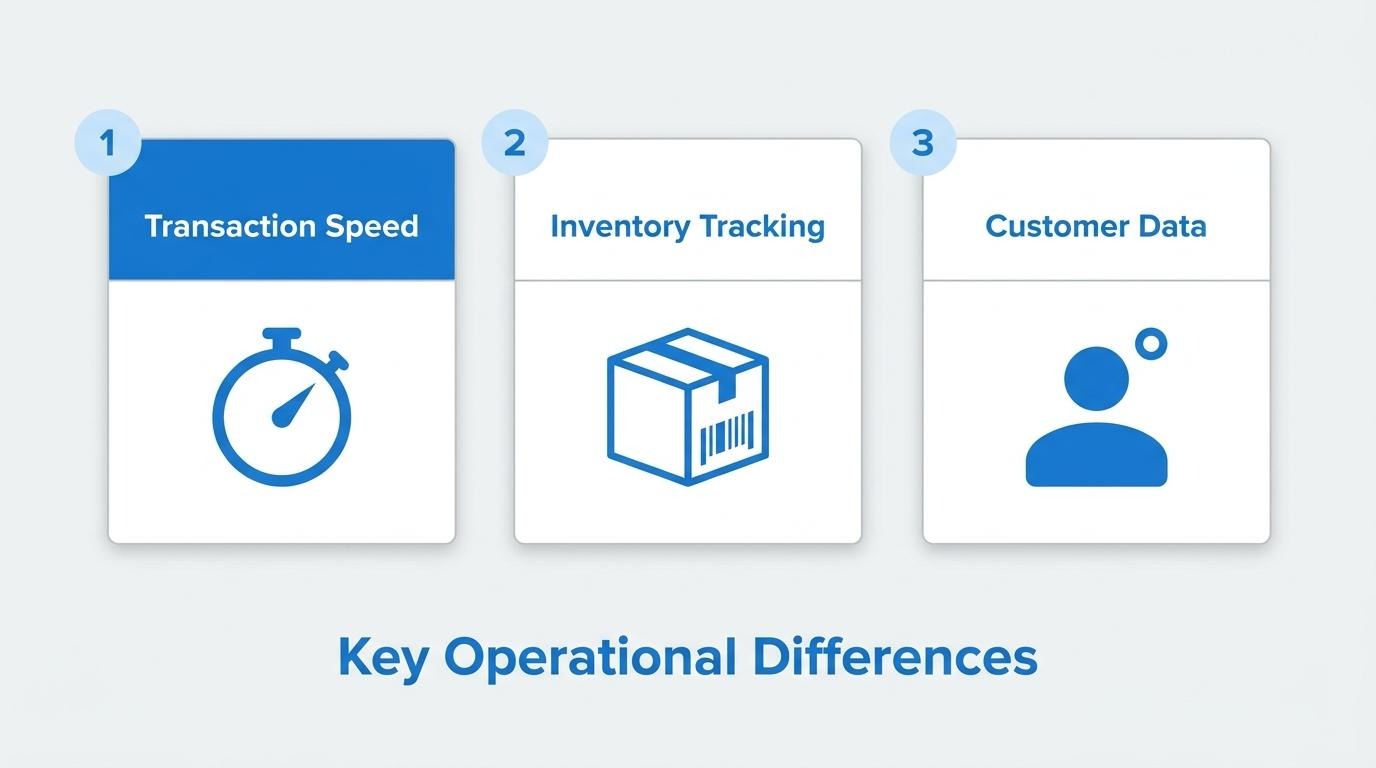
They differ in transaction processing speed because POS systems automate calculations, payment routing, and receipt generation, while cash registers require manual input for each sale. According to Alibaba's integration guide, automatic POS systems have the potential to reduce transaction processing time by 30-40%. Cash registers rely on manual key entry, which slows checkout during peak hours. For stores processing high daily volumes, that speed gap compounds into shorter lines, faster throughput, and fewer keying errors at the register.
They differ in inventory management capabilities because POS systems track stock levels automatically with each transaction, while cash registers require separate manual counts. According to Deposco, integrated POS and Order Management Systems can synchronize retail and warehouse inventory, preventing backorders and cancellations. Cash registers offer no inventory visibility; staff must physically count stock and update spreadsheets independently. For any retailer managing more than a handful of SKUs, this distinction alone often justifies the technology shift.
They differ in customer data collection because POS systems capture buyer identity, purchase history, and contact details at checkout, while cash registers record only transaction totals. A POS links each sale to a customer profile, enabling loyalty programs, personalized offers, and targeted re-engagement campaigns. Cash registers treat every transaction as anonymous, offering no mechanism to identify returning buyers or track purchasing patterns over time. For brands focused on repeat purchase rates and lifetime value, this gap is significant.
They differ in reporting and analytics because POS systems generate real-time sales reports, trend analysis, and performance dashboards, while cash registers produce only basic end-of-day tallies. A POS can break down revenue by product, time period, employee, or payment method automatically. Cash registers require manual reconciliation, and historical comparisons demand separate record-keeping. Operators who need data-driven decisions on staffing, promotions, or product assortment find cash register reporting fundamentally insufficient.
They differ in hardware and software requirements because cash registers are standalone mechanical or electronic units, while POS systems require connected hardware components and cloud-based or installed software. A cash register needs only a power outlet. A POS system typically involves a tablet or terminal, barcode scanner, receipt printer, cash drawer, and payment terminal, all running coordinated software that receives updates. The added complexity delivers flexibility, but stores must account for internet connectivity, software subscriptions, and peripheral compatibility.
They differ in integration with online sales channels because POS systems connect to ecommerce platforms, marketplaces, and fulfillment workflows, while cash registers operate in complete isolation from digital storefronts. As Omer Minkara, VP and Principal Analyst at Aberdeen, states: "Businesses can't just unify channels; they must also bring down silos to deliver those seamless operational experiences." Cash registers cannot sync with online orders, shared inventory pools, or omnichannel fulfillment options like buy-online-pick-up-in-store.
For brands selling both online and in-store, these cumulative differences shape whether cost analysis or feature requirements should drive the final decision.
A cash register costs $100 to $500 upfront with no recurring fees, while a POS system requires higher initial investment plus monthly subscriptions. The sections below break down upfront costs, ongoing fees, and five-year total cost of ownership.
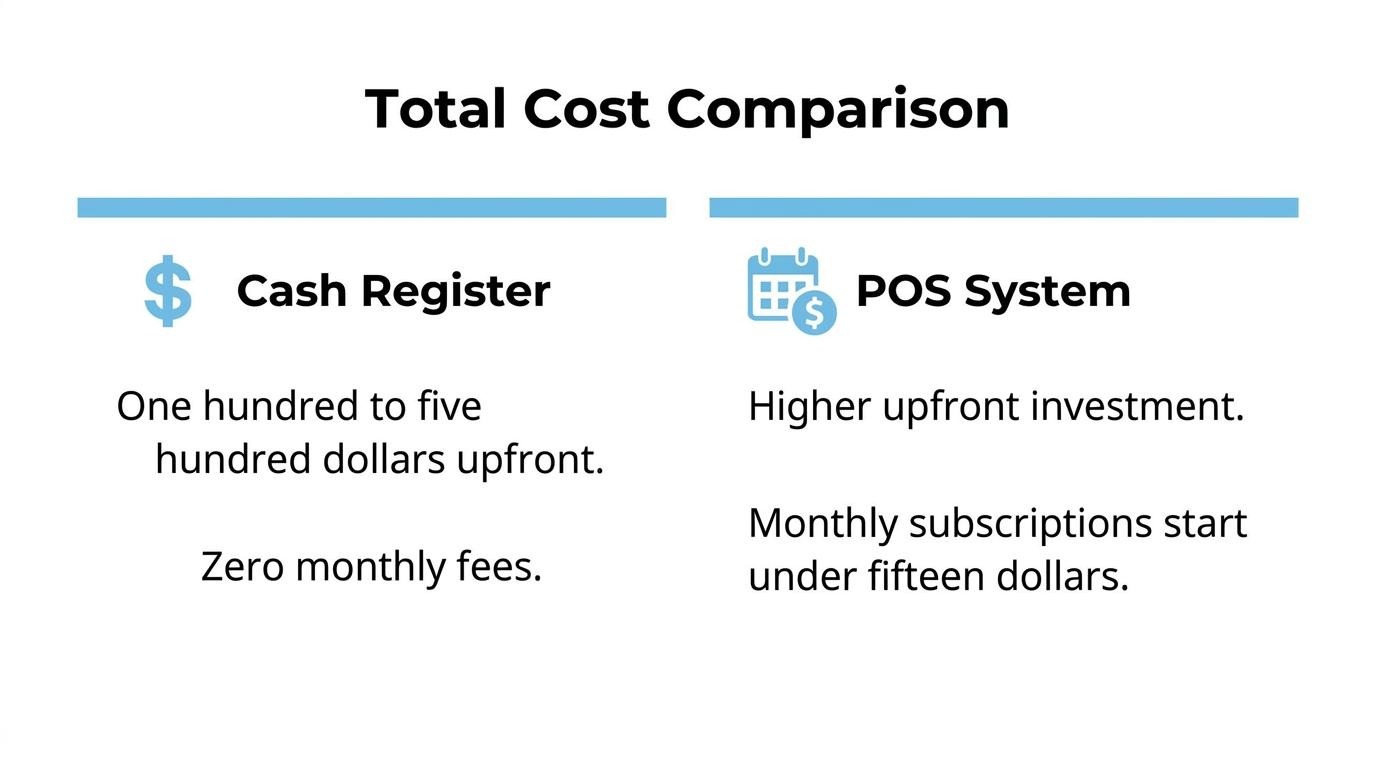
The upfront costs of a cash register range from $100 to $500 for basic hardware. According to Business.com, basic cash registers typically fall within this price range for units that handle sales transactions, receipt printing, and cash drawer management. No additional software licenses or installation fees apply. For stores processing simple cash transactions at low volume, this one-time purchase represents the entire technology investment needed to begin operating.
The upfront costs of a POS system vary significantly based on business type and complexity. According to RestaurantOwner.com via Fit Small Business, the average upfront cost for a restaurant POS system was $9,300, down from over $13,000 in 2017. Beyond core hardware, hidden costs add up quickly:
Despite the steeper entry price, businesses that integrate a modern POS system can achieve a first-year ROI of 566% through labor cost reductions and efficiency gains. For scaling brands, the initial investment often pays for itself within months rather than years.
The ongoing monthly fees for a POS system typically include software subscriptions, payment processing charges, and optional add-on services. Software plans range from free tiers with basic functionality to $149 or more per month for advanced features. Payment processing fees, usually calculated as a percentage of each transaction plus a flat rate, represent the largest recurring expense for most retailers. These costs compound over time, making monthly fees a critical factor when comparing total expenses against a cash register's zero-subscription model.
The option with a lower total cost of ownership over five years depends on transaction volume and operational complexity. A cash register costs $100 to $500 once, with minimal maintenance expenses over its lifespan. A POS system, factoring in hardware, monthly subscriptions, transaction fees, and periodic upgrades, can cost thousands annually.
However, TCO calculations must account for revenue impact. The global adoption of self-checkout POS terminals among retailers has increased by 74% over the past two years, according to Field Nation, reflecting how automation-driven efficiency offsets subscription costs. For high-volume stores, POS systems reduce labor overhead and unlock data-driven growth that a cash register simply cannot deliver.
With cost structures clarified, understanding each option's advantages and limitations helps determine the right fit for your store.
The pros and cons of using a cash register center on simplicity and cost versus limited functionality. Below, the advantages and disadvantages break down by operational impact.
Pros of using a cash register:
Cons of using a cash register:
For operators running a single cash-only location with low transaction volume, these trade-offs may be acceptable. However, the inability to collect customer data or track inventory becomes a ceiling the moment a store pursues growth, adds products, or considers selling online. The savings in monthly fees rarely offset the revenue lost from poor visibility into what sells and who buys it.
Understanding these limitations helps clarify when a POS system's capabilities justify its higher investment.
The pros of using a POS system include automated inventory tracking, integrated customer data, multi-channel sales unification, and detailed reporting. The cons include higher upfront costs, ongoing subscription fees, a steeper learning curve, and dependence on internet connectivity.
Pros:
Cons:
For brands processing meaningful volume across channels, the operational gains typically outweigh the added cost and complexity within the first year. The key consideration is whether a store's growth trajectory justifies the investment now or whether a simpler tool still fits.
With advantages and limitations clarified, the next step is matching each option to a specific store type.
A cash register is best suited for simple retail operations with limited transaction volume, cash-dominant sales, and no need for digital inventory tracking. The following scenarios outline where a cash register fits best.
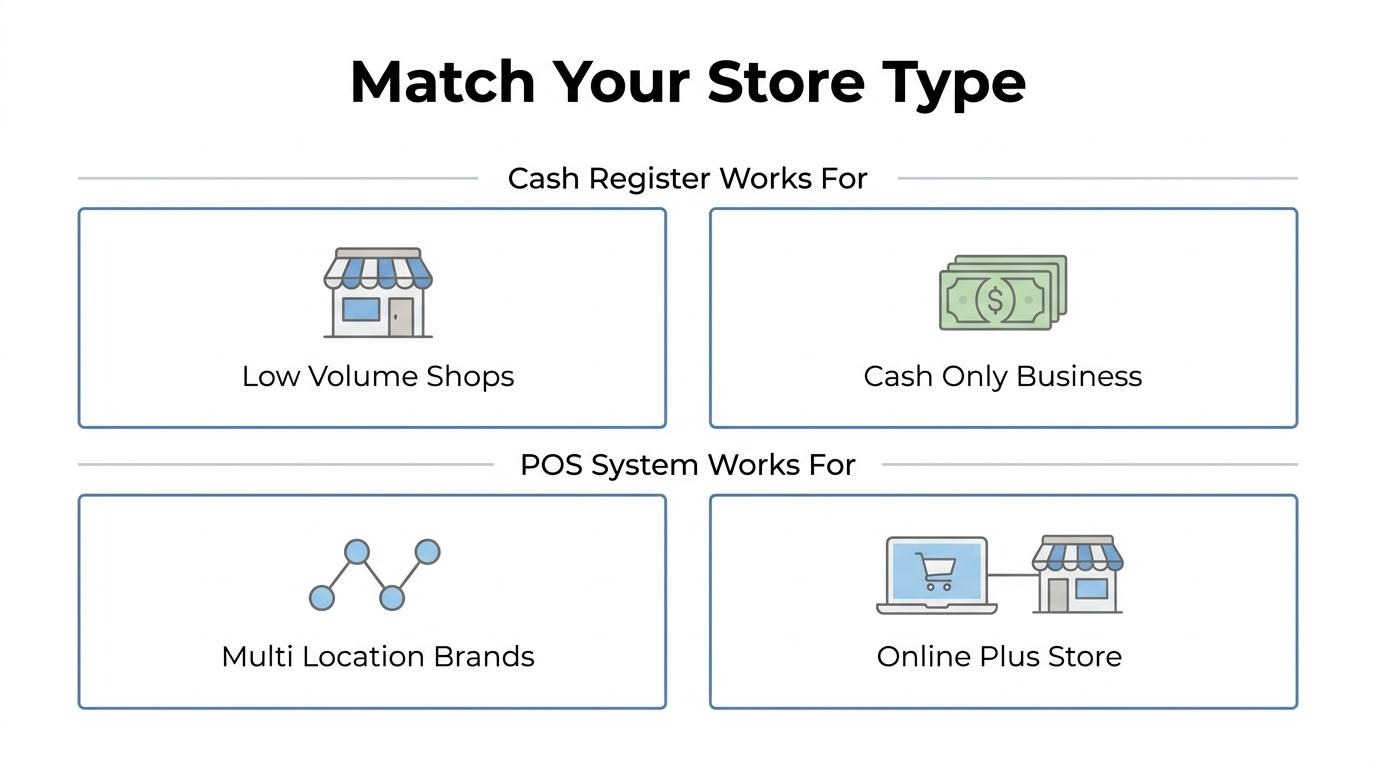
Yes, a cash register is right for a low-volume single-location shop. Stores processing fewer than 50 transactions per day with a small, stable product catalog rarely need inventory automation or multi-channel reporting. A basic register handles receipt printing, tax calculation, and cash management without monthly software fees. For operators who track stock manually and serve walk-in customers exclusively, the simplicity eliminates unnecessary complexity. However, once transaction volume grows or product lines expand, the lack of automated reporting becomes a bottleneck worth addressing.
Yes, a cash register is right for a cash-only business. Traditional cash registers are designed primarily for managing cash transactions, printing receipts, and securing a cash drawer, as noted by Business.com in their comparison of registers versus POS systems. Businesses that do not accept card payments avoid PCI compliance costs, transaction processing fees, and the hardware required for digital payment terminals. Laundromats, small food stands, and independent service counters operating exclusively in cash benefit most from this setup. The moment a business introduces card acceptance, a POS system becomes the more practical choice.
Yes, a cash register is right for a temporary or pop-up setup. Seasonal kiosks, farmers market booths, and short-run retail activations need equipment that works immediately without software configuration, internet connectivity, or subscription commitments. A portable cash register requires only a power outlet and handles basic sales logging on day one. For pop-ups lasting days or weeks rather than months, investing in POS infrastructure rarely justifies the cost or setup time.
With store type clarified, understanding where a POS system excels highlights the contrast.
A POS system is best suited for stores with operational complexity, such as multi-location brands, omnichannel retailers, subscription businesses, and DTC brands running loyalty programs.
Yes, a POS system is right for a multi-location retail brand. Managing consistent pricing, promotions, and inventory across multiple stores requires centralized data that cash registers cannot provide. According to Brian Kilcourse, Managing Partner at Retail Systems Research, "Regardless of how consumers connect with your brand, you need to be able to apply the same business rules, the same pricing and the same data that consumers need to make the best decision possible."
Despite this need, 42% of retailers identify legacy POS and ERP systems as significant barriers to business growth. Multi-location brands that delay upgrading often find their disconnected systems create inventory blind spots and inconsistent customer experiences across stores.
Yes, a POS system is right for a store that also sells online. Unified inventory between physical and digital channels prevents overselling, enables fulfillment flexibility, and keeps product availability accurate in real time. According to Business Wire, the projected CAGR for Buy Online, Pick Up In-Store (BOPIS) services is 16.5% through 2032, which means stores without integrated POS and ecommerce systems will struggle to meet rising customer expectations for cross-channel fulfillment.
For brands already selling online, the POS becomes the connective layer between storefront and warehouse, not just a checkout tool.
Yes, a POS system is right for a subscription or membership business. Recurring billing, member-tier pricing, and auto-renewal logic require software that tracks customer status over time. A basic cash register has no mechanism for managing ongoing customer relationships or recurring payment schedules.
Modern POS platforms handle subscription enrollment at checkout, apply member-exclusive discounts automatically, and sync membership data with online accounts. This eliminates manual tracking and reduces billing errors that cause involuntary churn.
Yes, a POS system is right for a growing DTC brand with loyalty programs. Loyalty mechanics require customer identification at every transaction, points accrual tracking, and reward redemption logic. None of this is possible with a cash register.
A POS system ties each in-store purchase to a customer profile, enabling personalized rewards and segmentation for lifecycle marketing. For DTC brands scaling past their first million in revenue, the ability to recognize repeat buyers across online and offline channels directly impacts retention and lifetime value.
With loyalty and retention built into the system, the next consideration is whether upgrading from a cash register is feasible mid-growth.
Yes, you can upgrade from a cash register to a POS system later. Most retailers make this transition once transaction volume, inventory complexity, or multi-channel selling outpaces what manual processes can handle. The shift requires planning around data migration, staff training, and hardware replacement, but cloud-based POS options have made the process significantly more accessible than it was even five years ago.
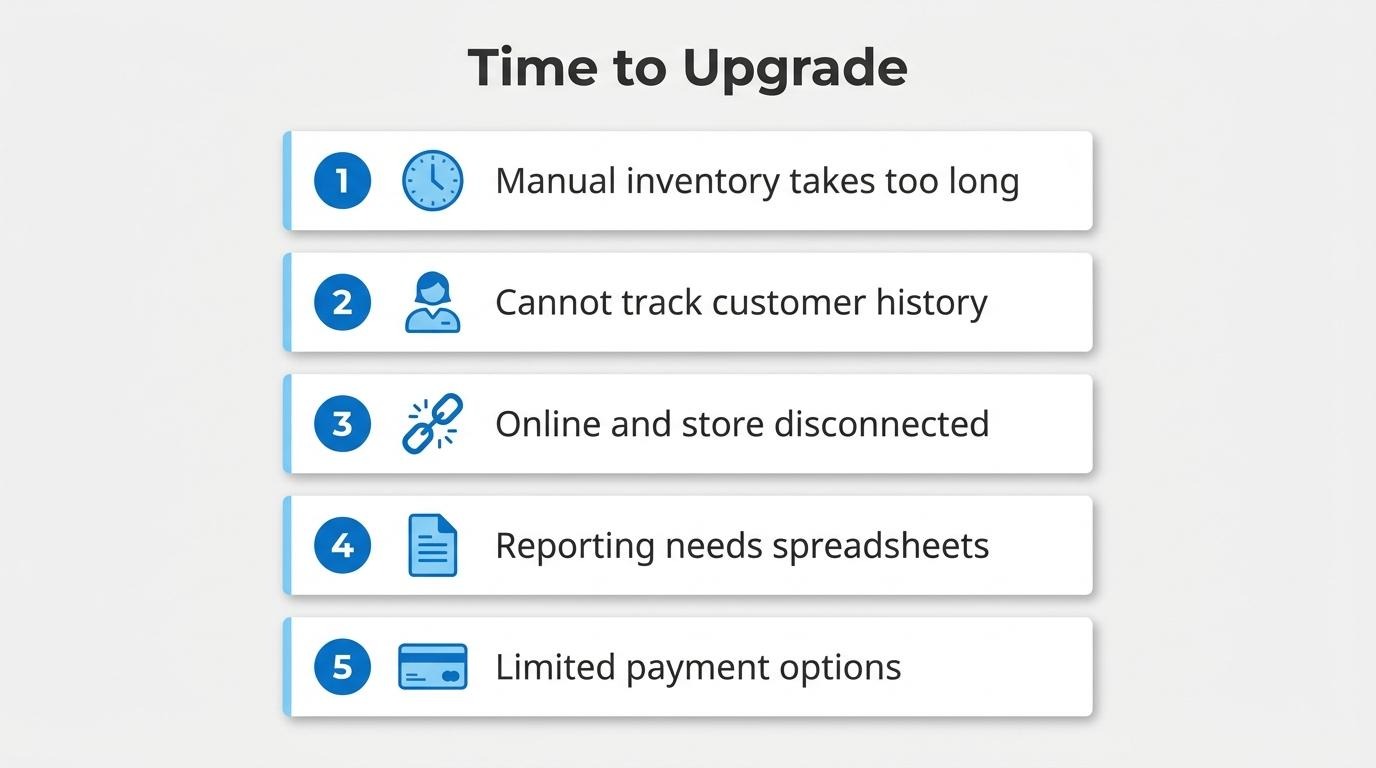
Several signs indicate the right time to upgrade:
According to a survey by Retail Consulting Partners, only 21% of retailers have adopted new POS software within the last two years, which suggests many businesses delay the switch longer than they should. Legacy systems become barriers to growth; the longer a store waits, the more historical data and operational habits must be restructured during migration.
The transition itself typically involves selecting a POS provider, purchasing compatible hardware, migrating product catalogs and customer records, and training staff on the new workflow. Hidden costs to anticipate include data migration fees and installation charges, which can add several hundred to over a thousand dollars beyond the base system price. Still, for brands approaching the complexity threshold, the operational efficiency gains far outweigh the one-time switching costs.
For scaling brands already selling online, choosing a POS that shares a unified data layer with the storefront eliminates the fragmentation problem entirely rather than solving it incrementally. With upgrade timing clarified, the next consideration is which specific POS features deserve priority.
The features you should prioritize when choosing a POS system are real-time inventory synchronization, integrated payment processing, customer data collection, multi-channel connectivity, and automated reporting.
According to Retail Consulting Partners via Fit Small Business, only 21% of retailers have adopted new POS software within the last two years, which means most stores still operate on systems lacking these capabilities. Prioritizing features that eliminate manual workarounds today prevents costly migrations later. For brands managing both physical and digital storefronts, a system where these features share one data layer removes the reconciliation burden that disconnected tools create.
A disconnected POS creates problems by fragmenting customer data, splitting inventory visibility, and forcing manual reconciliation across channels. The following sections cover unified data benefits and key decision takeaways.
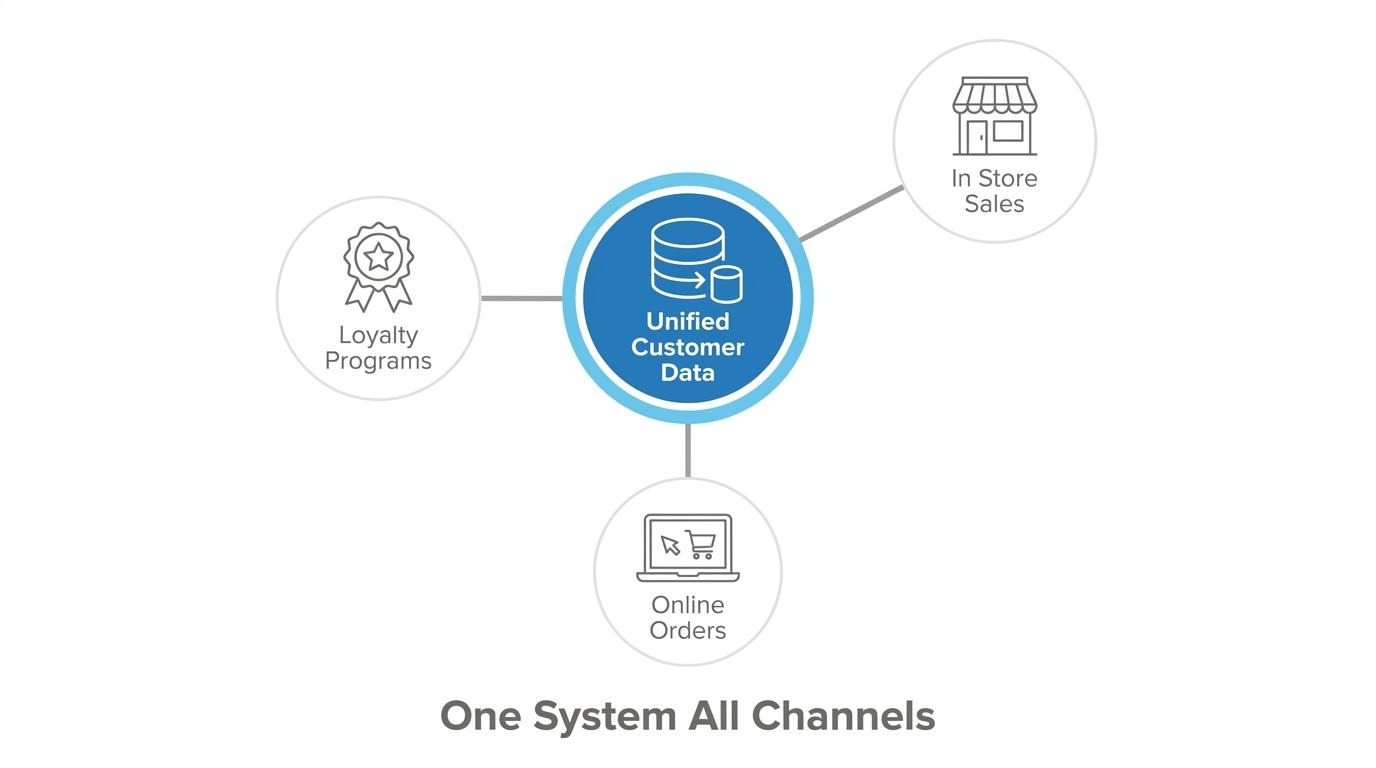
What changes when in-store and online customer data lives in one system is the ability to recognize, segment, and re-engage every shopper regardless of where they first transacted. Fragmented systems treat the same buyer as two strangers, one online and one in-store, which kills personalization and inflates acquisition spend.
According to an EY report cited on LinkedIn, retailers utilizing Shopify POS successfully convert 8 out of 10 first-time in-store shoppers into known customers. That conversion rate depends on resolving in-store interactions against existing online profiles instantly.
Unified customer records also reduce friction at checkout. CRM-integrated POS systems decrease cart abandonment by optimizing the checkout process and surfacing personalized offers based on prior purchase history. For brands processing thousands of transactions monthly, even small reductions in abandonment compound into meaningful revenue recovery.
The key takeaways about choosing between a cash register and a POS system come down to current complexity, growth trajectory, and data needs:
For brands already operating at volume across channels, the decision is less about cost and more about whether fragmented tools are creating operational drag that a unified system would eliminate.